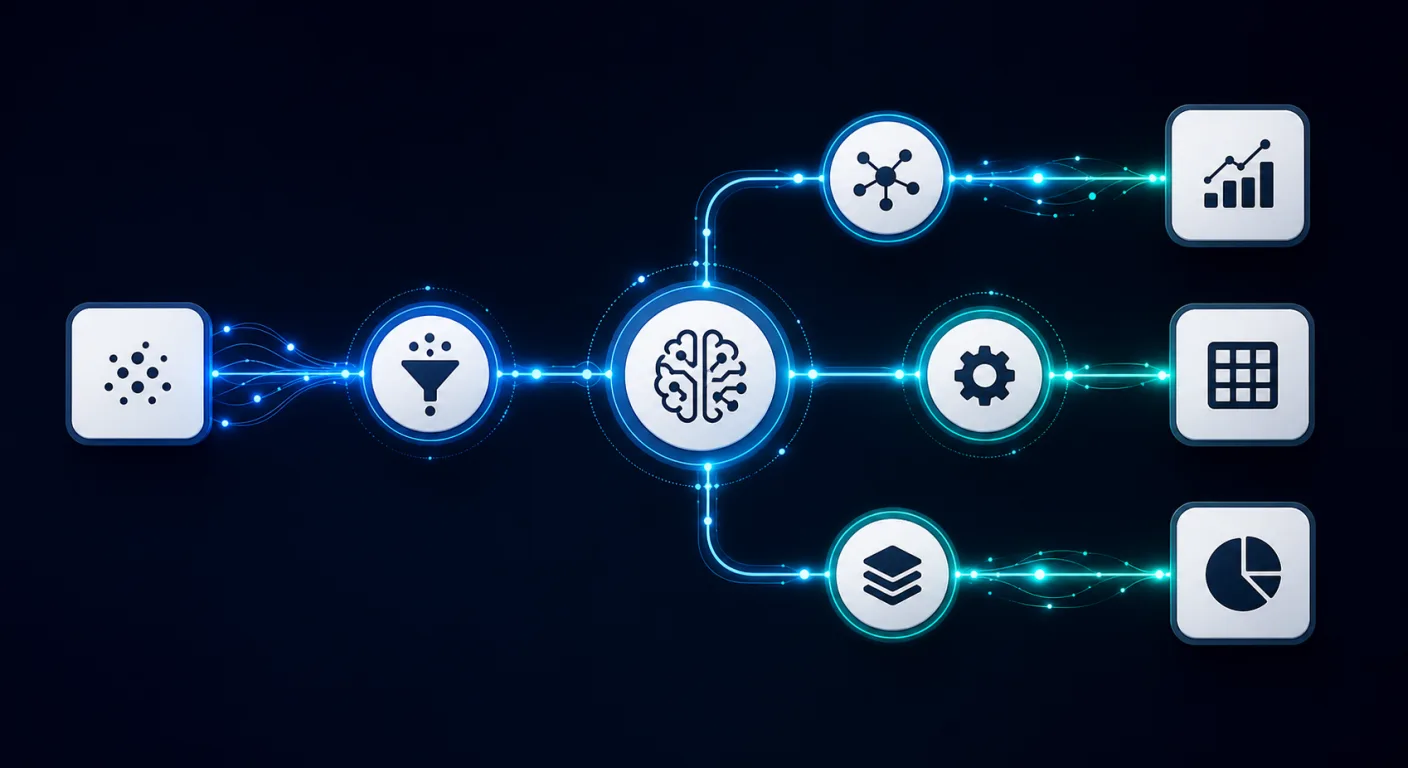
AI workflow automation for UK businesses
The AI Consultancy designs and builds AI-augmented workflow automation for UK SMEs and mid-market firms. Engagements use n8n, Zapier, and Make for standard integration work, with bespoke applications on GCP Cloud Run where volume, compliance, or complexity warrants a custom build. Every engagement is scoped by a measurable outcome: hours saved per week, error rate reduced, or throughput unlocked. Pricing starts from GBP 5,000 for a configured no-code workflow with an AI step, and from GBP 20,000 for a fully bespoke Cloud Run application.
Choosing the right automation tool
The decision between Zapier, Make, n8n, and a bespoke build is driven by four factors: volume, complexity, compliance requirements, and integration depth. The following is a practical guide to when each is appropriate for a UK business in 2026.
Zapier: accessible, fast to configure, best for simple workflows
Zapier is appropriate where the workflow is linear (trigger then one or two actions), the integrations required are in Zapier's app library (6,000+ connectors), and the business does not have technical resource to manage infrastructure. The per-task pricing model makes it cost-effective at low volume. At above 10,000 tasks per month, the economics typically favour n8n. Zapier's AI steps allow Claude and OpenAI to be called within a Zap, covering most classification and drafting use cases.
Make: visual, flexible branching, better for complex logic
Make (formerly Integromat) handles multi-branch workflows, data transformation, and error routing better than Zapier. It is the right choice for workflows with conditional logic, where one path handles an exception differently from the main flow, or where data from multiple sources must be combined and mapped before the output step. Make's pricing is based on operations rather than tasks, which can be more economical for workflows with many internal steps.
n8n: self-hosted, open source, appropriate for scale and compliance
n8n deployed on GCP Cloud Run or a dedicated VM is the standard choice for businesses with high workflow volume (above 50,000 operations per month), UK GDPR data residency requirements that preclude third-party SaaS, or complex business logic that requires version-controlled code rather than a visual editor. The migration from Zapier or Make to self-hosted n8n typically delivers a 60 to 80 percent reduction in operational automation cost at scale. n8n's native LLM nodes support Claude and OpenAI without requiring a custom HTTP step.
Bespoke Cloud Run application: for complex, high-volume, or legacy-replacing workflows
Where the workflow requires stateful logic, complex data transformation, integration with systems that have no public API, or is replacing a business-critical legacy process, a bespoke application on GCP Cloud Run is the appropriate build target. This is not a starting point; it is the right answer when the workflow is genuinely too complex for a no-code or low-code tool. Cloud Run gives a serverless, auto-scaling execution environment with cold-start latency suitable for most business workflow triggers.
Sector use cases
The following represent the highest-ROI workflow automation patterns we deploy across three core UK business sectors.
Professional services
Document intake and data extraction
Incoming contracts, application forms, and client documents are passed through an AI extraction step that pulls structured data (names, dates, reference numbers, monetary values) and writes it to the CRM or matter management system. Eliminates manual data entry and the errors it introduces. Typical saving: 3 to 6 hours per week per fee-earner or case handler.
Client enquiry triage and routing
Inbound enquiries by email or web form are classified by type, urgency, and likely service match, then routed to the appropriate team with a structured summary. The AI step drafts an acknowledgement email and flags high-priority enquiries. Typical saving: 30 to 60 minutes per day per person currently doing manual email triage.
Meeting transcript to action log
Meeting recordings (Teams, Zoom) are transcribed, summarised, and structured into action items with owners and deadlines. The output is written to the project management tool and emailed to attendees. Typical saving: 20 to 40 minutes per meeting currently spent on manual note-writing and distribution.
Logistics and transport
Shipment exception handling
Failed deliveries, shipment delays, and customs exceptions are automatically pulled from the carrier API, classified by type and commercial impact, and routed to the operations team with a drafted customer update. Eliminates the manual morning exception review that currently takes 30 to 90 minutes per day in most haulage and freight operations.
Purchase order and invoice processing
Incoming purchase orders and supplier invoices are extracted, matched against the TMS or ERP, and flagged for approval or discrepancy resolution. The AI step handles line-item extraction from PDFs and emails that do not conform to a standard EDI format, which covers the majority of SME supplier interactions.
Retail and ecommerce
Customer service ticket classification and first-draft response
Incoming support tickets are classified by type (refund, delivery, product query, complaint), matched against order and product data, and a first-draft response is generated for agent review and send. Typical reduction in average handle time: 3 to 5 minutes per ticket on a mixed ticket set.
Inventory alert and reorder workflow
Stock levels below threshold trigger an automated review of supplier lead time, current sales velocity, and pending orders. The workflow either generates a purchase order for approval or flags the exception for a buyer's decision based on configurable rules. Eliminates the manual stock review currently done weekly in most UK retail SMEs.
How we scope and measure the return
Every engagement starts with a baseline measurement. We map the current workflow, document the time spent per step and per week, identify the error rate and exception frequency, and calculate the current cost. The automation target is then scoped against that baseline, not against a theoretical ideal.
- Hours saved per week. The primary metric. We measure before build and at 60 days post-launch. A typical UK SME automation targeting a 10-hour-per-week saving at a GBP 20/hour loaded cost produces GBP 800 per month in cost avoided, giving a payback of 6 to 18 months on a GBP 10,000 to GBP 15,000 build cost.
- Error rate reduction. Where the manual workflow produces measurable errors (data entry mistakes, misrouted enquiries, missed follow-ups), the error rate before and after is tracked. For invoice processing automations, error rate reduction is often the primary financial case.
- FTE equivalent. Expressed as the number of full-time equivalent hours the automation replaces. Used where the business cannot redeploy staff time but is managing growth without headcount increase. An automation covering 20 hours per week of output is equivalent to 0.5 FTE of capacity at the same task.
- Throughput unlocked. Where the manual workflow is a bottleneck on revenue (enquiries not followed up, invoices not raised, orders not processed), the incremental revenue enabled by removing the bottleneck is tracked separately from cost saving.
Related services
- Agentic AI: when a workflow requires the AI to make decisions with multiple tools and adapt at runtime rather than follow a defined path, agentic architecture is the right pattern rather than automation.
- AI Chatbot: chatbots commonly trigger automation workflows as a back end; the two services are frequently deployed together.
- AI Implementation: the wider implementation service that workflow automation sits inside for larger, multi-system engagements.
- AI Agency Services: how we build, deploy and run AI systems end to end, how that differs from an AI consultancy, and how to choose an AI agency.
- Legacy Software Modernisation: workflow automation is often the first step in modernising a legacy process before the underlying system is replaced. We can automate a legacy workflow and migrate the system in separate phases to manage risk.
- Grant-Funded AI Implementation: complex workflow automation builds with a genuine technical advance may qualify for R&D tax credits or Innovate UK funding. Eligibility is assessed as part of the scoping call for builds above GBP 15,000.
Frequently asked questions
What is AI workflow automation?+
What is the difference between Zapier, Make, and n8n?+
When should we commission a bespoke build rather than use an off-the-shelf tool?+
What does AI workflow automation typically cost in the UK?+
How is the ROI measured for workflow automation?+
What workflows are highest-value to automate first?+
What UK GDPR obligations apply to automated workflows?+
Can existing Zapier or Make automations be migrated to n8n?+
Readiness Sprint from GBP 3,500 · Claude Enablement from GBP 4,500 · Discovery and Pilot from GBP 15,000 · Build and Embed from GBP 40,000 · Day rate GBP 950 to GBP 1,500. All prices exclude VAT.
Book a free 30-minute workflow automation scoping call
Tell us the workflow you want to automate and how it works today. We will confirm the right tool tier, outline the integration requirements, and give you an hours-saved estimate and indicative cost on the call.