Enterprise AI Assistants for Data Leaders: Architectures and Implementation
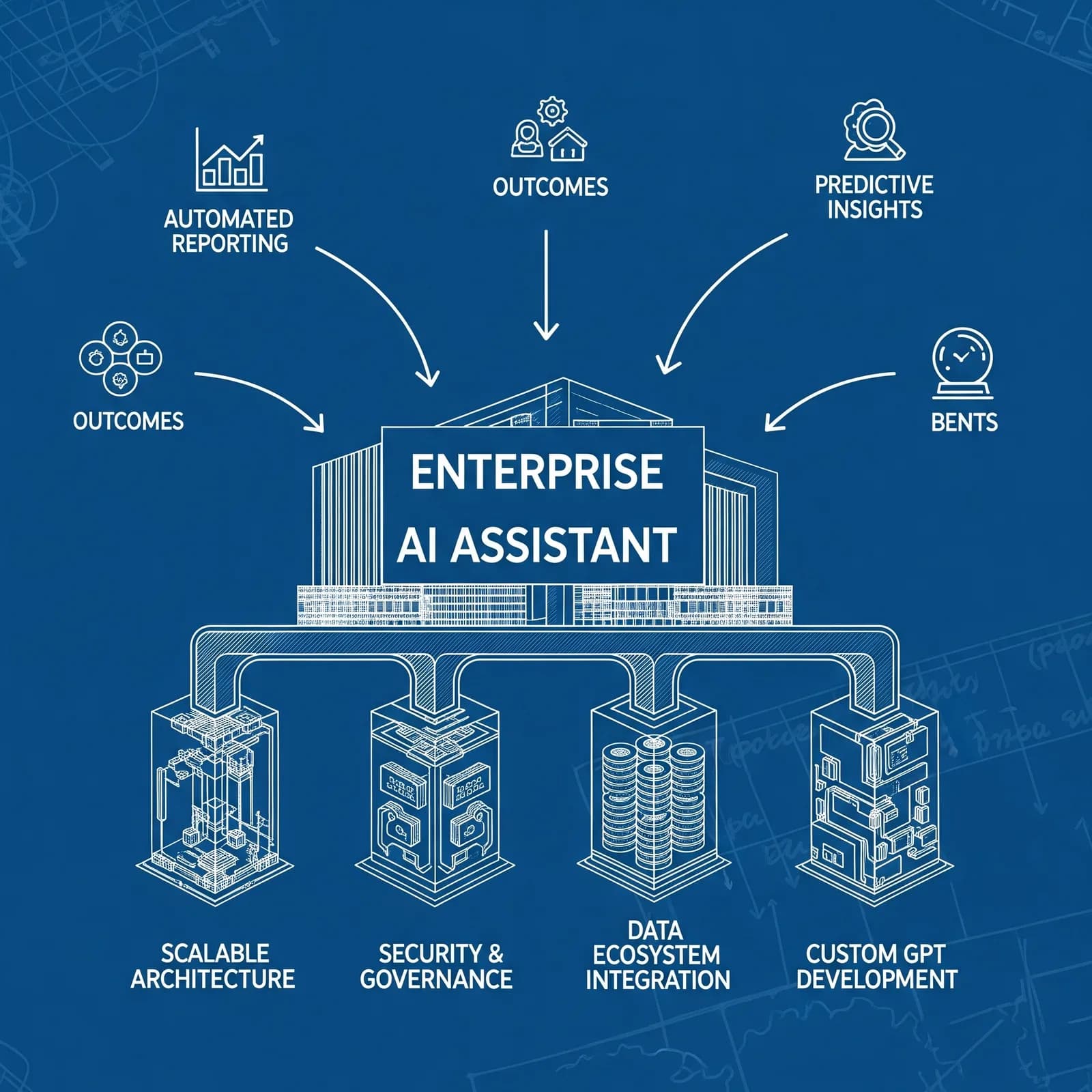
An enterprise AI assistant should help a defined group complete a specific task using information they are authorised to access. Start with the workflow, the evidence required for an acceptable answer and the actions the assistant may take. This guide sets out a practical approach for data leaders reviewing an existing assistant or planning a replacement.
Custom GPT retirement: check the workspace notice
Checked 14 October 2026: OpenAI schedules custom GPT retirement for 11 December 2026. Only Enterprise workspaces with a qualified, approved deferral have the 11 February 2027 date. Migration and plugin access depend on the account or workspace; custom actions do not transfer automatically. OpenAI also plans to stop creation of new custom GPTs in affected Enterprise workspaces on 26 October 2026. Existing GPTs remain usable until their applicable retirement date. Read the current migration FAQ and your workspace notice before scheduling a change.
Migration uses the latest published GPT version. Instructions become a skill, knowledge files become plugin reference files and connected apps are added as apps. The selected model and sharing settings do not carry over. The replacement starts private and must be reviewed, tested and shared deliberately. Migrating makes the original read-only; it does not prove the replacement behaves identically.
Inventory the workflow before choosing an architecture
| Record | Why it matters |
|---|---|
| Owner, users and task | Establishes who can approve a change and what success means |
| Instructions and reference files | Preserves the working definition outside a single product |
| Data sources and permissions | Prevents an assistant from widening access beyond the source system |
| Connected apps and custom actions | Identifies integrations that need rebuilding or reauthorisation |
| Outputs, approvals and failure handling | Defines what can be drafted automatically and what requires a person |
Separate read access from permission to change records or contact people. Give each connection the smallest scope needed for its task. The NCSC's May 2026 agentic AI guidance recommends least privilege, limited scope, temporary credentials where possible and secure defaults.
Configure and test before adding complexity
Write instructions that define the task, accepted sources, output format, uncertainty handling and approval points. Curate reference material with an owner and review date. Configuration of instructions and reference files is distinct from model fine-tuning; do not describe one as the other.
Choose a small set of representative tasks, including a missing-source case, a conflicting-source case and a request outside the user's permissions. Compare the current and proposed assistant on the same inputs. Record correctness, completeness, source support, time spent reviewing and whether any unauthorised action was attempted. Set acceptance criteria before evaluating the results.
Test connected apps and rebuilt custom actions separately. OpenAI warns that custom actions do not transfer automatically and a rebuilt integration should not be assumed to reproduce every capability. Check authentication, access scope, failure handling and user permissions before switching the workflow.
Choose between a configured assistant and an API integration
A configured workspace assistant may suit a workflow that uses approved reference files and existing apps. An API integration may be worth evaluating when the process needs specific access enforcement, system integration, logging or controlled actions. Compare the full implementation and maintenance cost, rather than assuming that a custom build provides better results.
For the commercial decision, use our build versus buy guide. For retrieval over internal material, read RAG for UK businesses. Neither architecture removes the need to check permissions, data quality and the relevant provider terms.
Roll out with a named owner and a way back
- Keep the original instructions and a versioned copy of the reference material.
- Test the replacement with the owner and intended users.
- Confirm that users can access the replacement and its connected apps.
- Document where work pauses for human approval.
- Set a review date and record known limitations.
- Keep a manual fallback for tasks that fail the acceptance criteria.
Measure results against the existing workflow. Time saved before checking is not the same as net time saved. Record review effort and error rates alongside adoption, and distinguish a forecast from a measured result. No general productivity percentage can substitute for that evidence.
Support for an existing deployment
Enterprise AI consulting can help scope the architecture and governance. For a ChatGPT workspace migration, see ChatGPT implementation. Bring the workflow inventory, representative tasks and current access requirements to the discussion.
Reviewed 14 October 2026. Product migration details were checked against OpenAI's current FAQ; security recommendations reference the NCSC's May 2026 guidance. The implementation checklist is The AI Consultancy's advice, not a vendor guarantee.
Get new briefings by email
The AI Consultancy newsletter delivers briefings and analysis for UK businesses. We use your address only to send it, and you can unsubscribe at any time.